AI Breast Augmentation Simulator
AI Breast Augmentation Simulator provides a powerful, non-invasive solution for reshaping your body, no surgery, no recovery time required. With advanced AI technology, you can instantly visualize and explore your ideal appearance, preview before-and-after results, and achieve professional-quality enhancements with ease and simplicity.
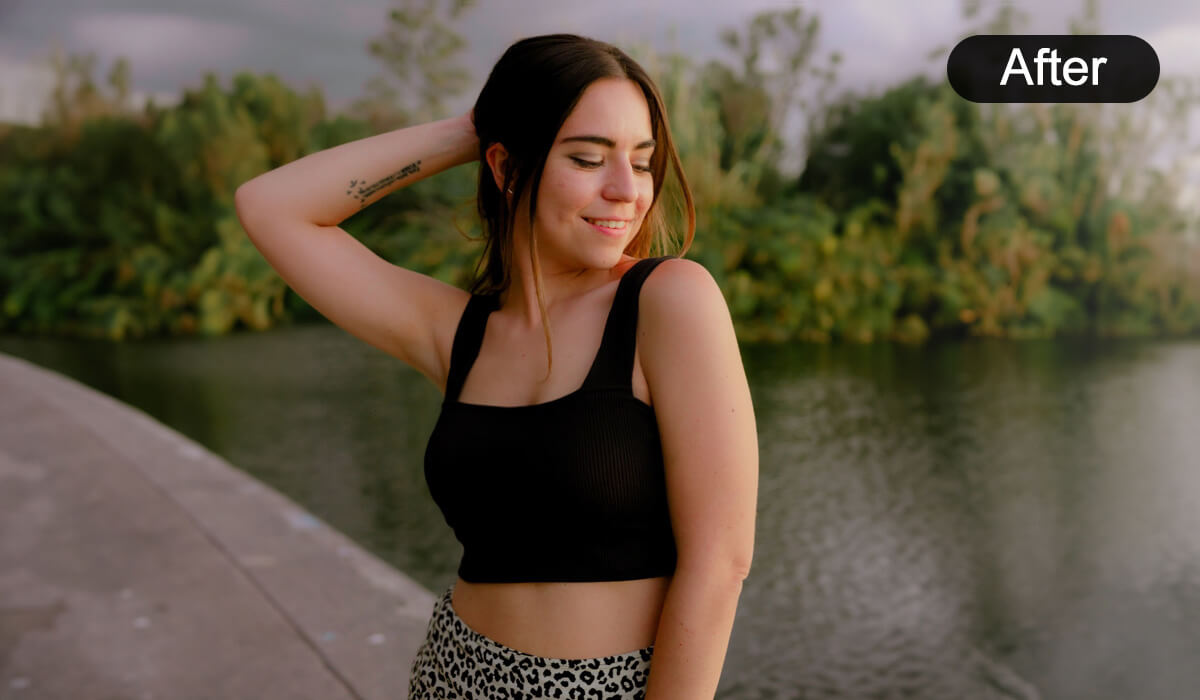
Enhance your photos naturally by refining your silhouette or correcting perspective issues. For instance, if you’re seeking a more balanced or proportionate upper-body appearance, AI Breast Augmentation Simulator offers AI-powered bust contour enhancement. This feature uses intelligent algorithms to gently add definition and volume where desired, creating subtle, realistic improvements that maintain your natural features and proportions. The result is a confident, polished look without artificial-looking distortion.

Unlike traditional filters that often produce exaggerated or unrealistic effects, this tool delivers clean, authentic edits tailored to your unique anatomy. Whether you’re preparing images for social media, personal use, or creative projects, the enhancements remain true to life while highlighting your best qualities.
To begin exploring virtual body refinement, simply create an AI Breast Augmentation Simulator task and adjust the intensity gradually to achieve your desired look. From there, adjust parameters such as augmentation intensity to match your aesthetic preferences, all within a user-friendly API designed for both beginners and experienced users.

This guide walks you through:
Workflow for AI Breast Augmentation Simulator API:
Endpoint: /s2s/v2.0/task/breast-shape
Authentication Required: Authorization: Bearer YOUR_API_KEY
Workflow Steps:
Image Upload Preparation:
- The process begins with preparing a bust shot selfie.
AI Breast Augmentation Simulator Settings For AI Breast Augmentation Simulator, control the degree of enhancement by adjusting the intensity level, which ranges from 1 (subtle) to 3 (pronounced). Start with a lower setting and incrementally increase it to achieve a natural-looking result that aligns with your aesthetic preference. Gradual adjustment helps ensure realistic and proportionate outcomes.
Initiate AI Task and Obtain Task ID:
- Send the uploaded image along with the parameter configuration via an HTTP POST request to
/s2s/v2.0/file. - Await a unique task ID in the response, which identifies this interaction.
- Send the uploaded image along with the parameter configuration via an HTTP POST request to
Poll Task Status (Continuous Check):
- Use the obtained
task_idto periodically poll the task status using an HTTP GET request (e.g.,GET /task/${task_id}). - Continuously monitor for:
Task_status = "success"(process completed).Task_status = "error"(resolve or retry if applicable).
- Update the workflow accordingly once the status transitions to success.
- Use the obtained
This structured workflow ensures efficient integration with user inputs, automated monitoring of tasks, and seamless retrieval of results.
- Authentication
- Include your API key in the request header using Bearer Token:
Authorization: Bearer YOUR_API_KEY
You can find your API Key at https://yce.makeupar.com/api-console/en/api-keys/.
- Upload an Image
You may upload a file directly to the server or provide a valid image URL in the AI task payload.
- Upload Endpoint
POST /s2s/v2.0/fileAlternatively, skip this step if you already have a public image URL.
- Adjust AI Breast Augmentation Simulator Intensity AI Breast Augmentation Simulator Settings
For AI Breast Augmentation Simulator, control the degree of modification by setting the intensity level between 1 and 3, where:
- Level 1 provides subtle, natural-looking adjustments ideal for minor refinement.
- Level 2 offers moderate enhancement, balancing realism with noticeable improvement.
- Level 3 delivers the most pronounced effect, suitable for significant reshaping while preserving anatomical plausibility.
Select the intensity level that best aligns with your aesthetic goals and desired look.
- Create a AI Breast Augmentation Simulator AI Task and Poll for Results
After uploading an image and selecting your preferred intensity level, you may proceed to start the enhancement task. The API processes the request asynchronously. You must poll the task status until it reaches success or error.
- Create Task Endpoint
POST /s2s/v2.0/task/breast-shape- Polling Endpoint
GET /s2s/v2.0/task/breast-shape/{task_id}- AI Breast Augmentation Simulator Specification Image Requirements and Recommendations for Optimal Results
Resolution Guidelines: The longest side of the input image must not exceed 4096 pixels. For best performance, ensure that the upper body region—defined as the area from the top of the head down to and including the chest—is rendered at a resolution of at least 1024 × 768 pixels.
Subject Requirements:
- The image must contain at least one fully detectable person. Both shoulders should be clearly visible in-frame.
- The chest area must be visible. This includes both clothed and unclothed scenarios, provided the subject is facing primarily forward (i.e., yaw angle between −90° and +90°). A frontal view is strongly preferred over angled or profile poses.
Recommended Practices for Enhanced Outcomes:
- Prioritize upper-body composition: the image should either focus specifically on the upper body, or—if the full figure is included—the upper body region should occupy a substantial portion of the frame and exceed 1024 pixels in its longest dimension.
- Use frontal poses exclusively; avoid side-facing or significantly rotated positions, as these reduce detection accuracy and result quality.
- For the most natural-looking enhancement of the chest contour, select attire that exposes some skin around the bust area—such as swimwear, low-cut tops, or V-neck garments. These styles allow the AI to better infer underlying structure and produce subtle, realistic cleavage effects.
- The system supports only single-subject images. In cases where multiple people appear in the frame, processing will automatically target the individual with the largest visible shoulder span (i.e., the person closest to or most centrally aligned with the camera).
- Avoid occlusions over the chest region. Objects such as bags, backpack straps, scarves, necklaces, or other accessories may be incorrectly removed or cause artifacts during editing.
- Clothing appearance may differ from the original image. The degree of modification depends on the intensity setting: higher enhancement levels produce more pronounced changes, including visible alterations to garment shape, fit, and drape around the chest area.
Following these guidelines ensures optimal input quality and maximizes the fidelity, realism, and consistency of the AI-generated enhancements.

- Supported Formats & Dimensions
| AI Feature | Supported Dimensions | Supported File Size | Supported Formats |
|---|---|---|---|
| AI Breast Augmentation Simulator | minimum: 512x384 maximum: long side < 4096 | < 10MB | jpg/jpeg/png/heic |
- Error Codes
| Error Code | Description |
|---|---|
invalid_parameter | The provided parameters are invalid—specifically, one or more of the required fields (src_keys, dst_keys, or acts) are missing, malformed, or contain unsupported values. |
exceed_max_filesize | The input image exceeds the maximum allowed file size (10 MB). Please compress or resize the image before submission. |
error_download_image | The system failed to download the source image, likely due to network issues, an invalid URL, or inaccessible resource permissions. |
error_decode_image | The downloaded image could not be decoded—this may result from file corruption, unsupported format, or invalid binary data. |
error_nsfw_content_detected | Potential Not Safe For Work (NSFW) content has been detected either in the source image or in the generated output image. Processing was aborted for compliance and safety reasons. |
error_pose | Human pose estimation failed; no full-body or upper-body skeleton could be reliably detected, preventing subsequent anatomical analysis. |
error_breast_region_detection | The system attempted to detect the breast region based on pose and segmentation cues but was unable to locate a valid, identifiable chest area (e.g., due to occlusion, extreme angle, or insufficient visibility). |
- Environment & Dependency
| Sample Code Language / Tool | Recommended Runtime Versions |
|---|---|
| cURL | - bash >= 3.2 - curl >= 7.58 (modern TLS/HTTP support) - jq >= 1.6 (robust JSON parsing) |
| Node.js (JavaScript) | Node >= 18 (for global fetch) |
| JavaScript | - Chrome / Edge >= 80 - Firefox >= 74 - Safari >= 13.1 |
| PHP | PHP >= 7.4 (for modern TLS/compat), ext-curl (recommended) or allow_url_fopen=On + ext-openssl, ext-json |
| Python | Python >= 3.10 (for f-strings), requests >= 2.20.0 |
| Java | Java 11+ (for HttpClient), Jackson Databind >= 2.12.0 |