# AI Hair Density Detection
# Overview
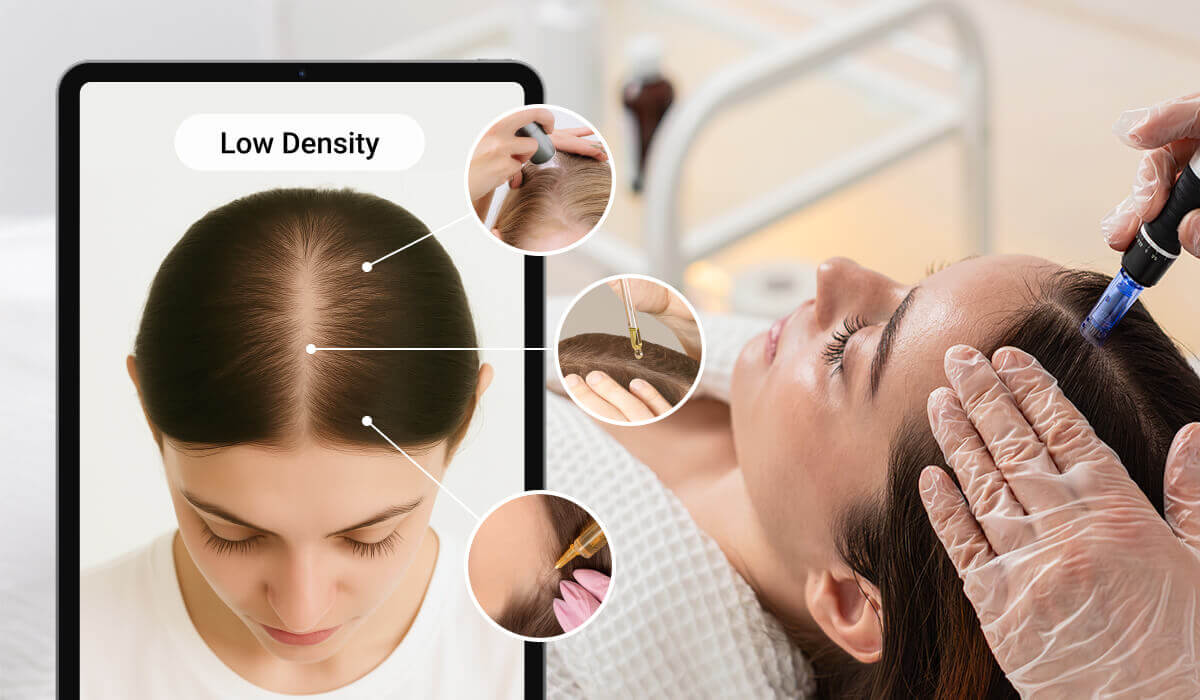
AI Hair Density Detection delivers a fast, professional, photo‑based assessment that accurately classifies hair density into four levels by evaluating scalp visibility and hair distribution patterns, providing trichoscopy‑inspired insights without physical tools and empowering businesses to offer expert‑level personalization at scale from a single uploaded image.
## Integration Guide
* How to Take Photos for AI Hair Density Detection
* Take a selfie
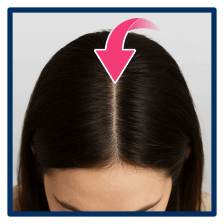
- Please face the camera directly with proper lighting, then lower your head to a 45‑degree angle. Keep your hair untied and ensure your entire hairline is clearly visible.

- Instead, use the JS Camera Kit to take a photo.
* How to Detect Hair Density by AI
* Using the ***/s2s/v2.0/file*** API, please upload the following assets:
- Your selfie photo.
* Execute AI task ***/s2s/v2.0/task/hair-density-detection***
Run the detection task by sending one front facing 45 degree lower selfie image. Use it's file ID as the source input for the AI.
* Polling to check the status of a task until it succeed or error
This ***task_id*** is used to monitor the task's status through polling GET 'task/hair-density-detection' to retrieve the current engine status. Until the engine completes the task, the status will remain 'running', and no units will be consumed during this stage.
## Hair Density Classification
|Thumbnail|Hair Density Classification|Description|
| ---- | ---- | ---- |
||Level 1
Extremely Low Density|Hair appears significantly sparse, with visible scalp across a large area. Hair fibers are thin and coverage is minimal.|
||Level 2
Low Density|Noticeable thinning with clear scalp visibility, especially at the crown and part lines. Hair may lack volume and body.|
||Level 3
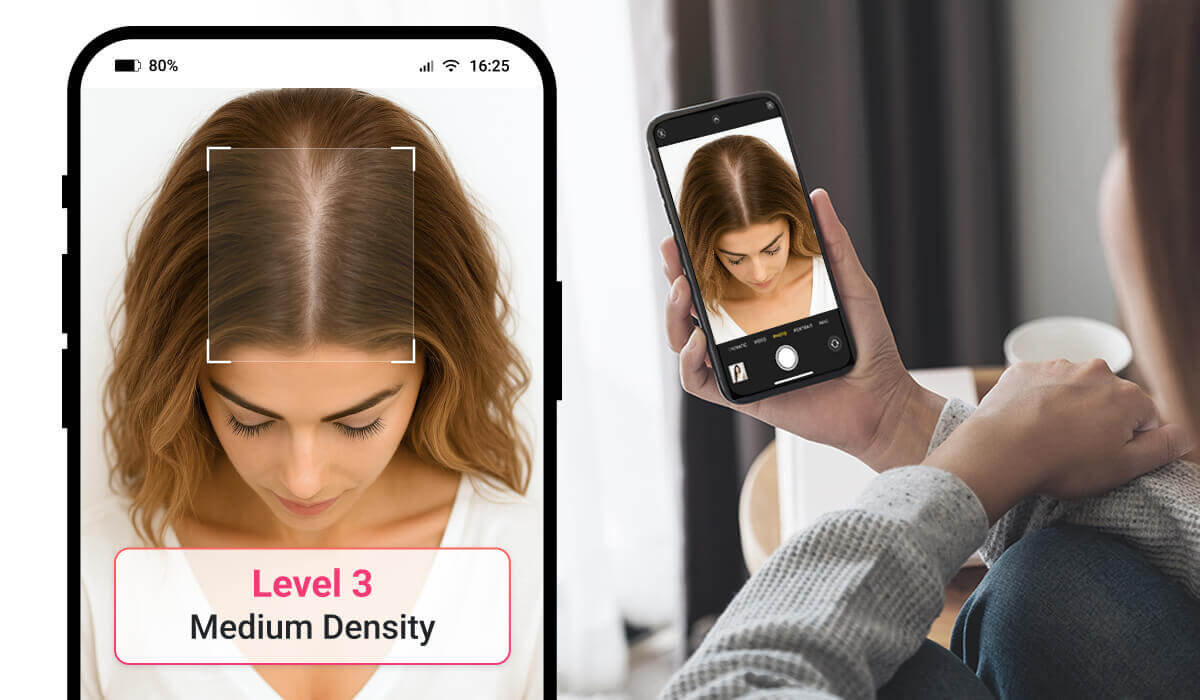
Medium Density|Scalp is partially visible under direct light, but hair still maintains moderate volume and coverage. Hair may feel finer but remains relatively healthy.|
||Level 4
High Density|Hair looks full and thick, with minimal to no scalp visibility. Hair strands are closely packed, providing rich volume and natural coverage.|
* Suggestions for How to Shoot
## File Specs & Errors
* Supported Formats & Dimensions
|Type|Supported Dimensions|Supported File Size|Supported Formats|
| ---- | ---- | ---- | ---- |
|AI Hair Density Detection|The image must be at least 100 pixels wide and tall, and no more than 4096 pixels in either dimension. If one side of your image is longer than 1080 pixels, it will be resized automatically to fit within that limit for analysis.|< 10MB|jpg/png|
* Error Codes
|Error Code|Description|
| ---- | ---- |
|error_below_min_image_size|If your image is smaller than 100 pixels in width or height, it's too small to use|
|error_face_position_invalid|Your face needs to be fully visible in the image, without any parts cut off|
|error_face_position_too_small|The face in your photo is too small to analyze properly|
|error_face_position_out_of_boundary|Your face is either too large or partially outside the edges of the photo|
|error_insufficient_lighting|The lighting is too dim, which makes analysis difficult|
|error_face_angle_invalid|Your face angle isn't quite right. For front-facing shots, keep your head within 10 degrees of straight. For side-facing shots, the angle should be more than 15 degrees|
* Environment & Dependency
| Sample Code Language / Tool | Recommended Runtime Versions |
|---|---|
| cURL | - bash >= 3.2 - curl >= 7.58 (modern TLS/HTTP support) - jq >= 1.6 (robust JSON parsing) |
| Node.js (JavaScript) | Node >= 18 (for global fetch) |
| JavaScript | - Chrome / Edge >= 80 - Firefox >= 74 - Safari >= 13.1 |
| PHP | PHP >= 7.4 (for modern TLS/compat), ext-curl (recommended) or allow_url_fopen=On + ext-openssl, ext-json |
| Python | Python >= 3.10 (for f-strings), requests >= 2.20.0 |
| Java | Java 11+ (for HttpClient), Jackson Databind >= 2.12.0 |
---
## JS Camera Kit
{% partial file="/_partials/js-camera-kit.md" /%}
---
## Unit Consumption
| AI Feature | Unit Consumed |
|---|---|
| AI Hair Density Detection V1.0 | 1 |
---
License: Privacy policy
## Servers
```
https://yce-api-01.makeupar.com
```
## Security
### BearerAuthenticationV2
[object Object]
Type: http
Scheme: bearer
## Download OpenAPI description
- [AI Hair Density Detection](https://docs.perfectcorp.com/_bundle/reference/ai_hair_density_detection.yaml)
## V1.0
- [POST /s2s/v2.0/task/hair-density-detection](https://docs.perfectcorp.com/reference/ai_hair_density_detection/v1.0/paths/~1s2s~1v2.0~1task~1hair-density-detection/post.md): Polling is required to check the status of the task. Refer to polling guide for details.
- [GET /s2s/v2.0/task/hair-density-detection/{task_id}](https://docs.perfectcorp.com/reference/ai_hair_density_detection/v1.0/paths/~1s2s~1v2.0~1task~1hair-density-detection~1%7Btask_id%7D/get.md)