AI Video Object Removal
AI Video Object Removal
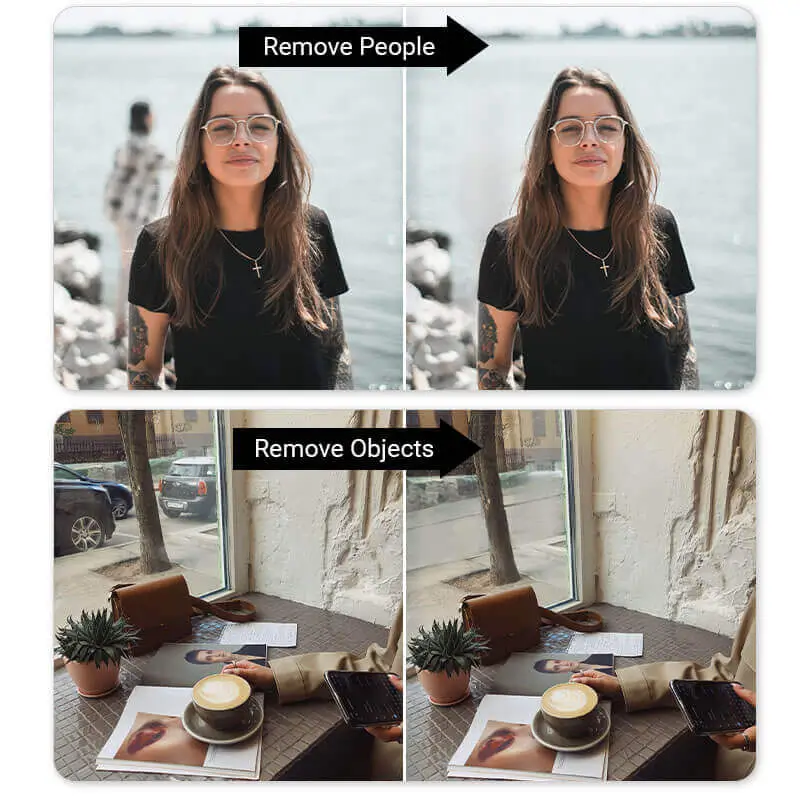
The AI Video Object Removal API enables seamless removal of unwanted elements from video content. Whether dealing with crowded backgrounds filled with tourists, cluttered environments such as desks with tissues and bottles, or distracting reflections on glass surfaces, the API can precisely and reliably eliminate masked areas with high accuracy and consistency.
1. Prepare a Source Video and a Mask Image The input video must not exceed 60 seconds in length, and the output video must have a long axis of 1920 pixels or less with a frame rate of 30 frames per second or below.
2. Upload File Request upload URLs and file IDs via:
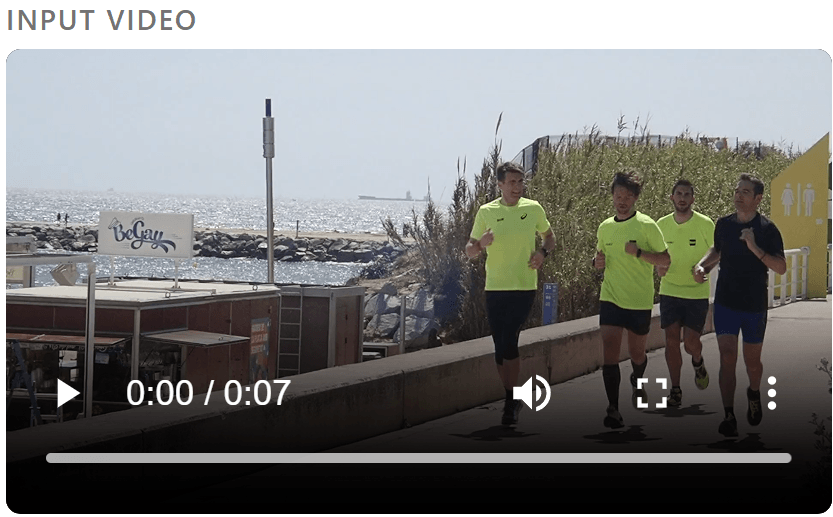
POST /s2s/v2.0/fileInput video:
Reference input mask:
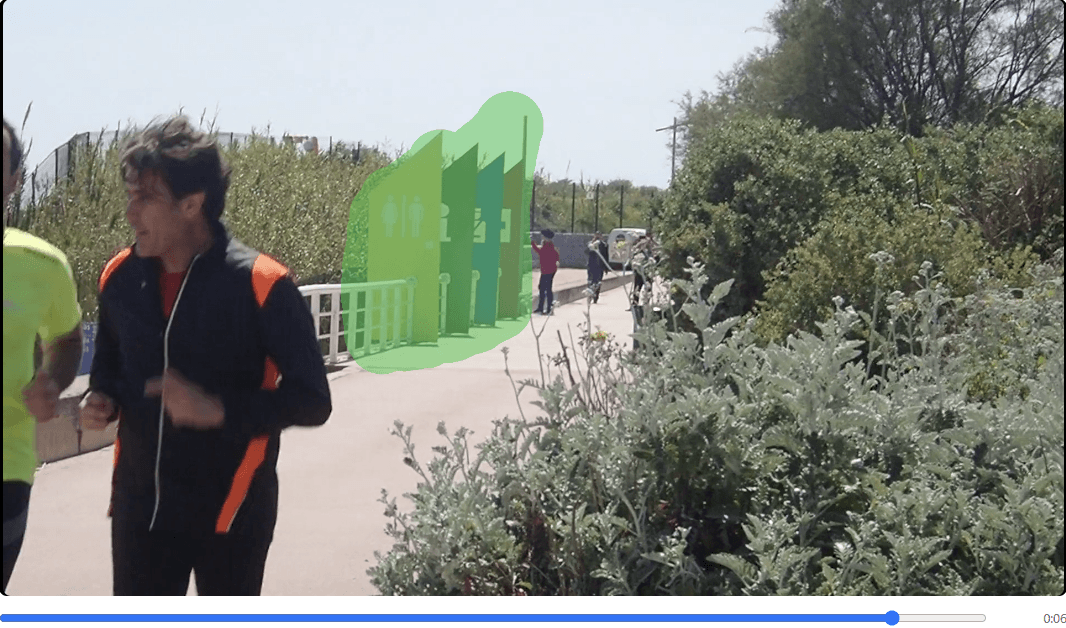
3. Execute AI Task
POST /s2s/v2.0/task/obj-rem-vidSubmit the task using file IDs or image URLs as input. The response returns a task_id for tracking and retrieving the result.
4. Retrieve Task Result
GET /s2s/v2.0/task/obj-rem-vid/{task_id}Use the task ID to track status and obtain results.
Webhooks can be configured to receive asynchronous notifications on task completion with a success or error status. Polling is also supported by repeatedly calling the task endpoint until the status is updated from running to success or error.
Usage is only charged when the task completes successfully.
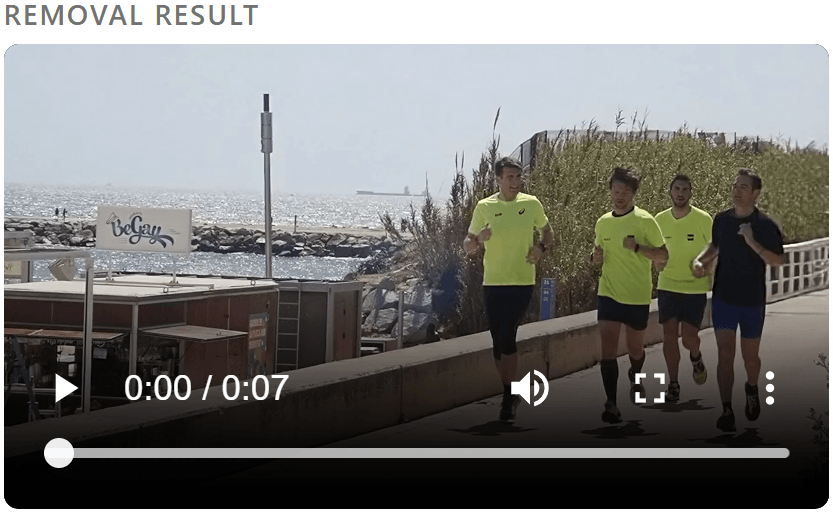
Output video sample:
- Supported Formats & Dimensions
| AI Feature | Supported Dimensions | Supported File Size | Supported Formats |
|---|---|---|---|
| AI Video Object Removal | The input video must not exceed 60 seconds in length, and the output video must have a long axis of 1920 pixels or less with a frame rate of 30 frames per second or below. | Length limit: 60s | container: mov, mp4 video: MPEG-4, MPEG-4 AVC, audio: aac, amr, mp3 |
- Error Codes
| Error Code | Description |
|---|---|
| error_download_video | Download source video error |
| error_decode_video | Decode source video error |
| error_unsupported_video | Unsupported video format |
| exceed_max_filesize | Input file size exceeds the maximum limit |
| error_nsfw_content_detected | NSFW content detected in the source file |
| error_decode_mask | Decode mask image error |
| invalid_parameter | Invalid parameter value |
- Environment & Dependency
| Sample Code Language / Tool | Recommended Runtime Versions |
|---|---|
| cURL | - bash >= 3.2 - curl >= 7.58 (modern TLS/HTTP support) - jq >= 1.6 (robust JSON parsing) |
| Node.js (JavaScript) | Node >= 18 (for global fetch) |
| JavaScript | - Chrome / Edge >= 80 - Firefox >= 74 - Safari >= 13.1 |
| PHP | PHP >= 7.4 (for modern TLS/compat), ext-curl (recommended) or allow_url_fopen=On + ext-openssl, ext-json |
| Python | Python >= 3.10 (for f-strings), requests >= 2.20.0 |
| Java | Java 11+ (for HttpClient), Jackson Databind >= 2.12.0 |