AI Video Background Replace
AI Video Background Replace
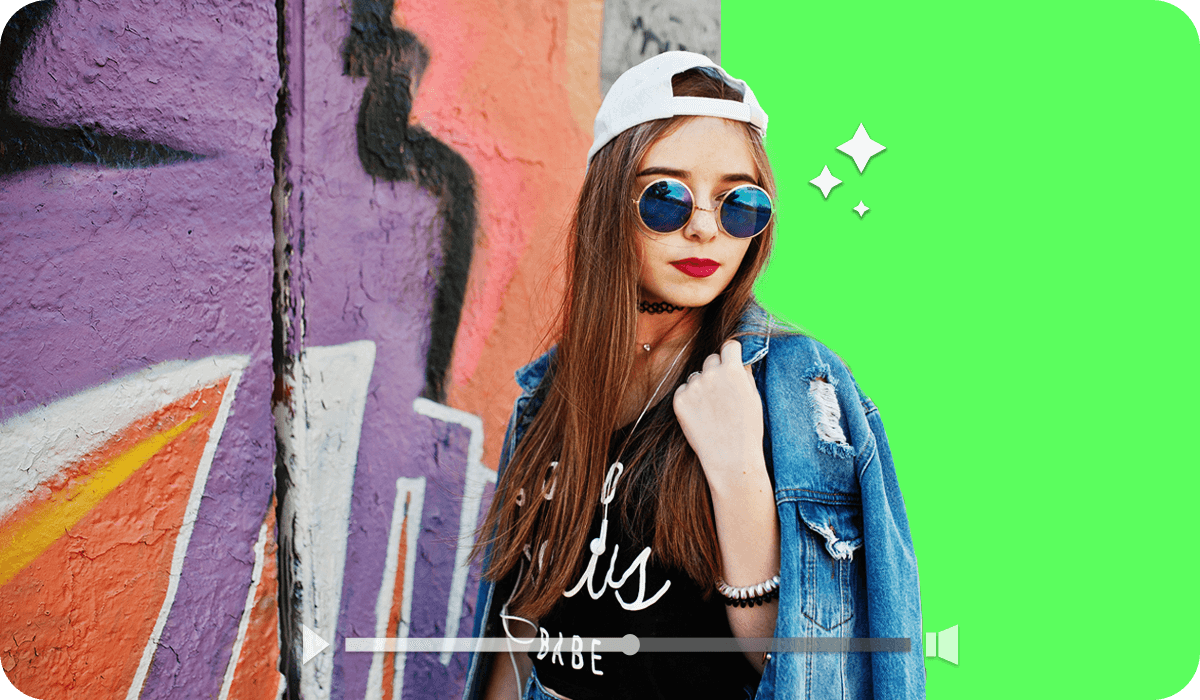
The AI Video Background Replace API enables you to seamlessly add any background you choose. You can select from a wide range of options, including scenic landscapes, custom images, or even lighthearted visuals, giving you complete creative control to design the ideal setting for your content. There is no need for a studio or green screen. You can easily replace video backgrounds to achieve a clean and professional look. Whether you want to introduce a new environment or remove unwanted distractions, this solution is ideal for producing engaging videos and tutorials without requiring expensive equipment.
1. Prepare a Source Video and a Background Image The output must be in MP4 format with the same resolution as the input, a frame rate capped at 30 frames per second with automatic conversion if the input exceeds this limit, and a maximum duration of 600 seconds with only the first 600 seconds retained if the input video is longer.
The background image must be in JPG or PNG format with a maximum resolution of 4096 by 4096 pixels with the long side not exceeding 4096 pixels and a file size limit of 10 megabytes.
2. Upload File Request upload URLs and file IDs via:
POST /s2s/v2.0/file3. Execute AI Task
POST /s2s/v2.0/task/bg-replace-vidSubmit the task using file IDs or image URLs as input. The response returns a task_id for tracking and retrieving the result.
4. Retrieve Task Result
GET /s2s/v2.0/task/bg-replace-vid/{task_id}Use the task ID to track status and obtain results.
Webhooks can be configured to receive asynchronous notifications on task completion with a success or error status. Polling is also supported by repeatedly calling the task endpoint until the status is updated from running to success or error.
Usage is only charged when the task completes successfully.
- Supported Formats & Dimensions
| AI Feature | Supported Dimensions | Supported File Size | Supported Formats |
|---|---|---|---|
| AI Video Background Replace | The output must be in MP4 format with the same resolution as the input, a frame rate capped at 30 frames per second with automatic conversion if the input exceeds this limit, and a maximum duration of 600 seconds with only the first 600 seconds retained if the input video is longer. The background image must be in JPG or PNG format with a maximum resolution of 4096 by 4096 pixels with the long side not exceeding 4096 pixels and a file size limit of 10 megabytes. | Video length limit: 600s Background image: <10MB | container: mp4 video: MPEG-4, MPEG-4 AVC, audio: aac, amr, mp3 |
- Error Codes
| Error Code | Description |
|---|---|
| error_download_video | Download source video error |
| error_decode_video | Decode source video error |
| error_unsupported_video | Unsupported video format |
| exceed_max_filesize | Input file size exceeds the maximum limit |
| error_nsfw_content_detected | NSFW content detected in the source file |
| error_decode_mask | Decode mask image error |
| invalid_parameter | Invalid parameter value |
- Environment & Dependency
| Sample Code Language / Tool | Recommended Runtime Versions |
|---|---|
| cURL | - bash >= 3.2 - curl >= 7.58 (modern TLS/HTTP support) - jq >= 1.6 (robust JSON parsing) |
| Node.js (JavaScript) | Node >= 18 (for global fetch) |
| JavaScript | - Chrome / Edge >= 80 - Firefox >= 74 - Safari >= 13.1 |
| PHP | PHP >= 7.4 (for modern TLS/compat), ext-curl (recommended) or allow_url_fopen=On + ext-openssl, ext-json |
| Python | Python >= 3.10 (for f-strings), requests >= 2.20.0 |
| Java | Java 11+ (for HttpClient), Jackson Databind >= 2.12.0 |